Home › Drive notes › How to replace a Garmin GPS mount
How to replace a Garmin GPS mount
Garmin units clip into a cradle, and the cradle clips onto a ball. Replace the base, keep the cradle.
Find the ball size
Pop the cradle off the old mount and look at the socket on its back. Most Garmin automotive cradles use a 17 mm ball; very large units use 20 or 25 mm and need different bases.
Garmin GPS suction cup mount or another base?
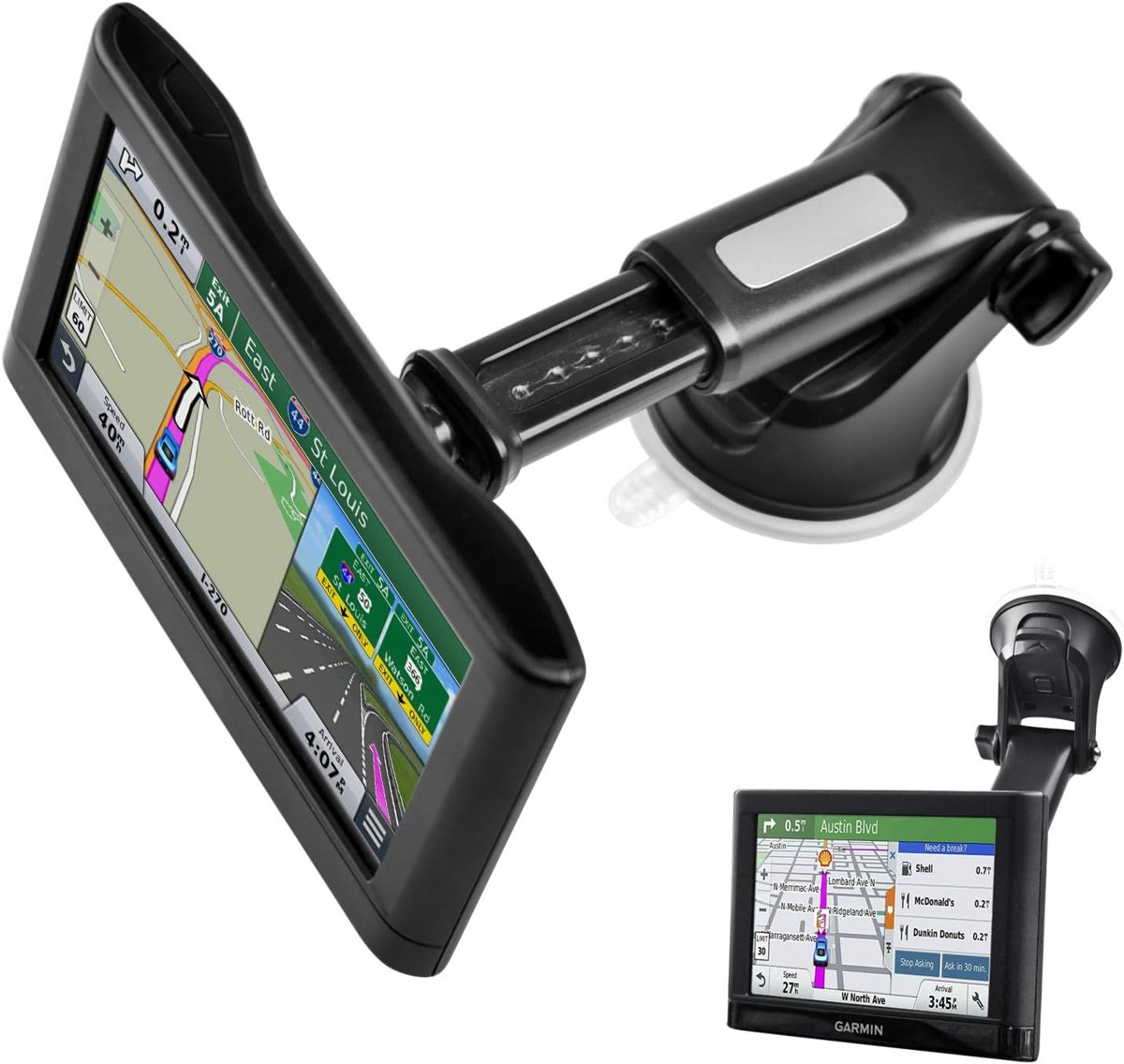
A Garmin GPS suction cup mount is the most common replacement: it attaches to smooth glass or a flat, clean dash, holds the navigation device securely, and moves easily to another vehicle. If a suction cup mount has ever dropped off a textured or hot dash, an adhesive base or a cup holder mount is the more specific fix. Whatever you choose, check the version of your device and that the base is compatible with its cradle before you attach it.
Pick the base
- Suction with extension arm: the classic windshield setup.
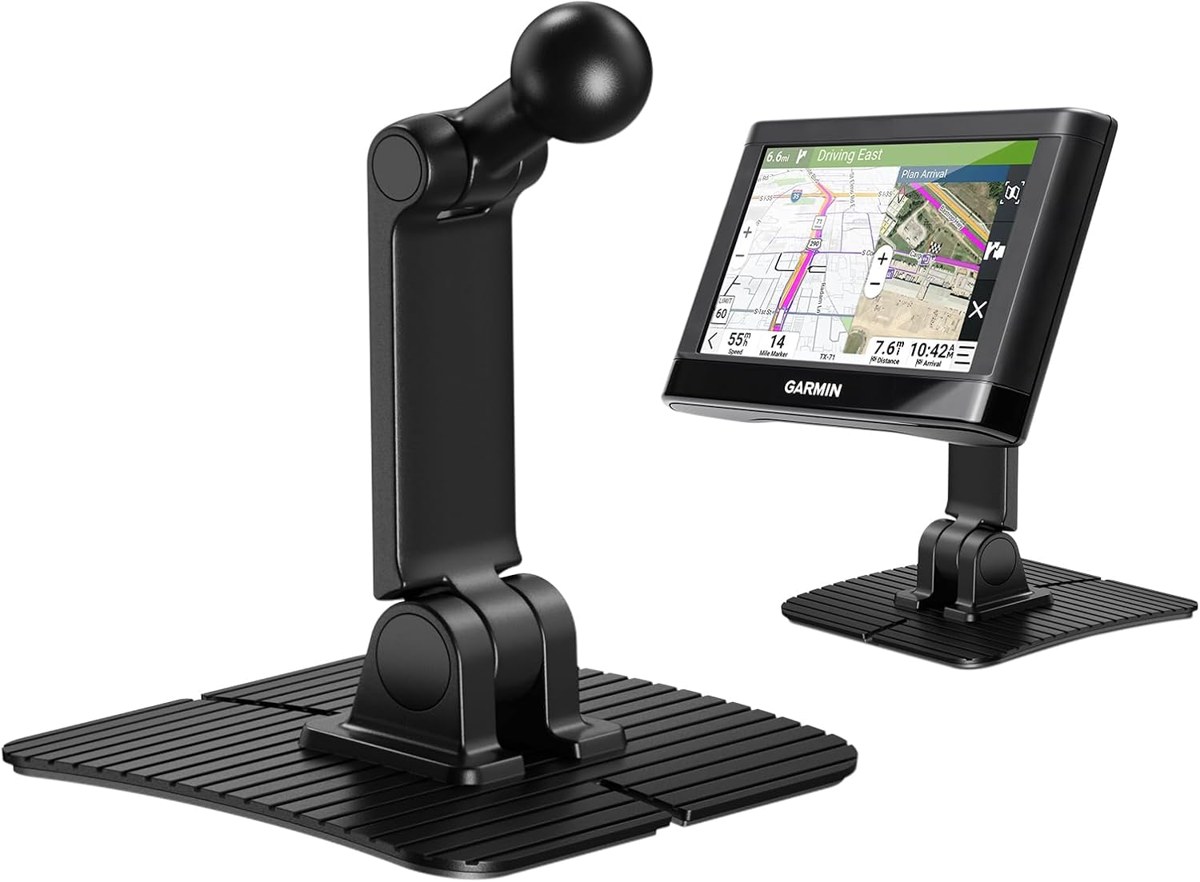
- Adhesive dash mount: for cars where suction keeps dropping.
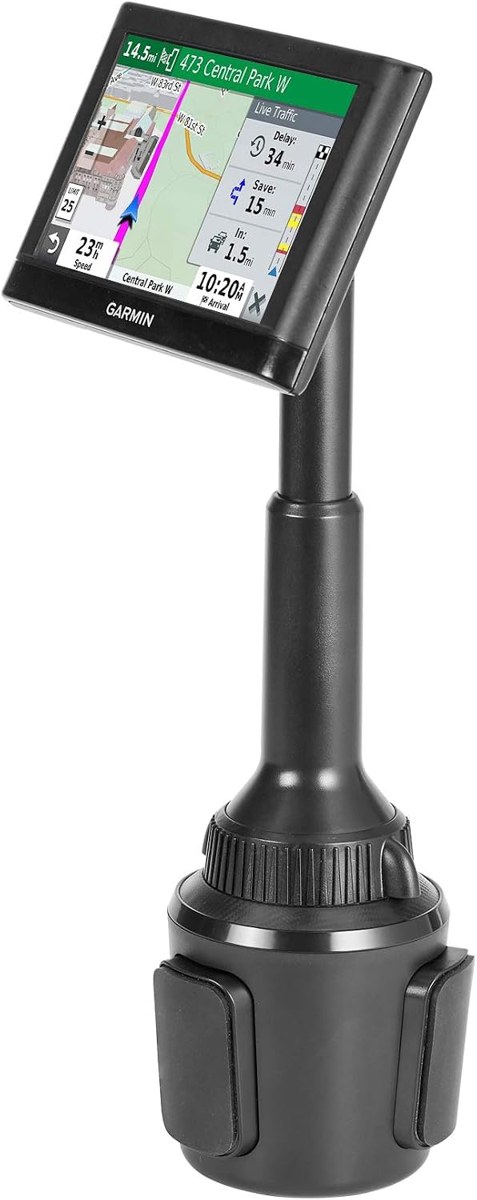
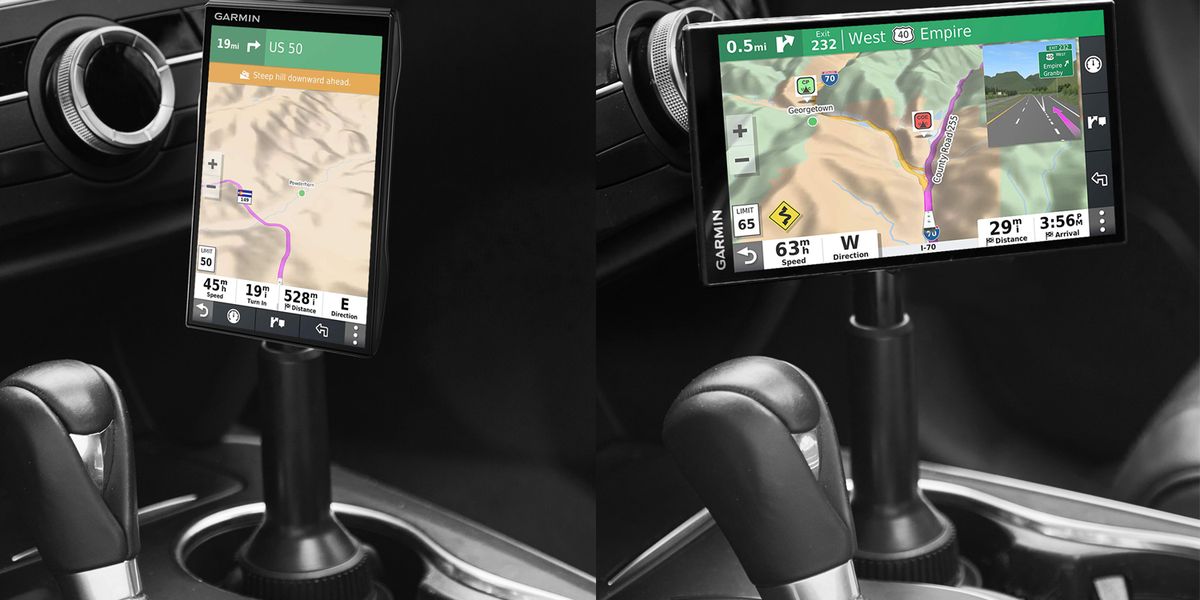
- Cup holder mount: keeps the windshield and dash clear.
- Clamp dock: for any GPS when the cradle is lost too.
Before you drive
Press the cradle onto the ball until it clicks, set the angle, and tighten the ball nut. Route the power cable so it doesn't pull on the screen.